Tutorial
Once you go in and edit and add some blog items, I will add a link on the main site’s menu bar
Click word Blog at the bottom of the main site click blog to reach the blog
Click the logo at the top of the BLOG PAGE to log in
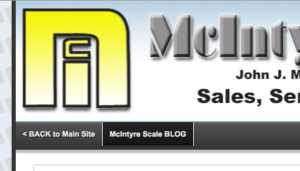
Login is
username: Rob
password: #514Office!
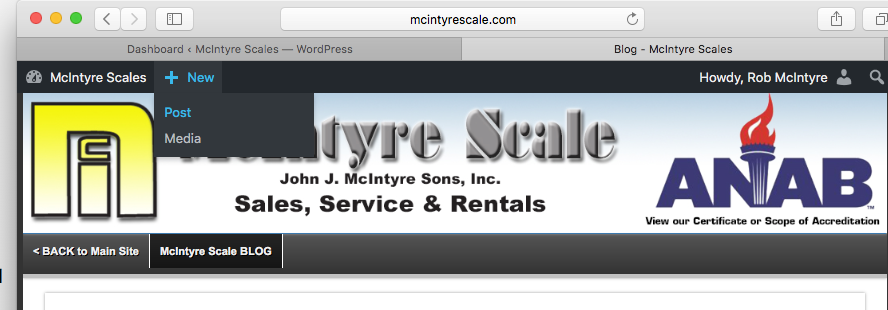
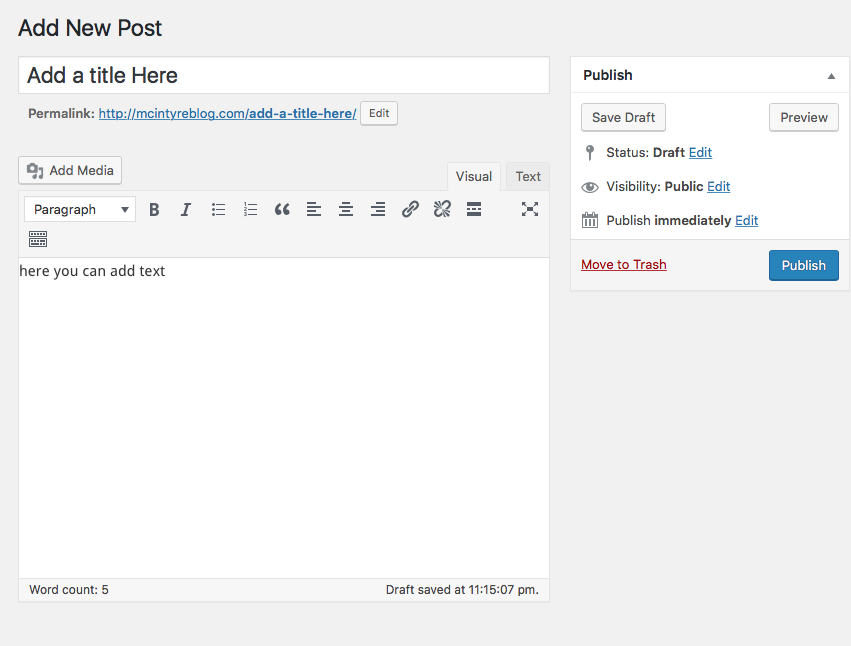
To add a new blog entry, at the top of the page, New < Post
Click Add Media button to add photo
Where it says Add a title here, add your title
below where it says “” is where you put the info in
and click publish (OR UPDATE IF REVISION)
To Edit
click the title of an entry from the main page (after logging in)
for example:
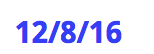
it will take you to the page for the specific blog entry
Then at the top of the Page click, Edit Post
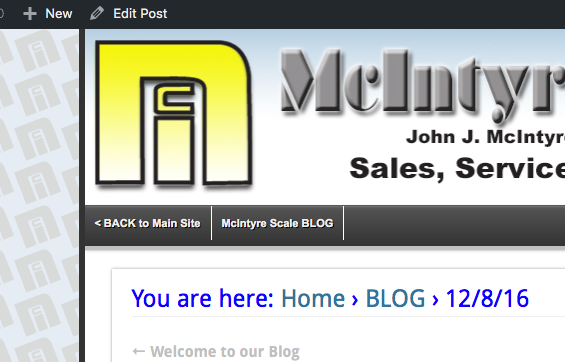
goes here
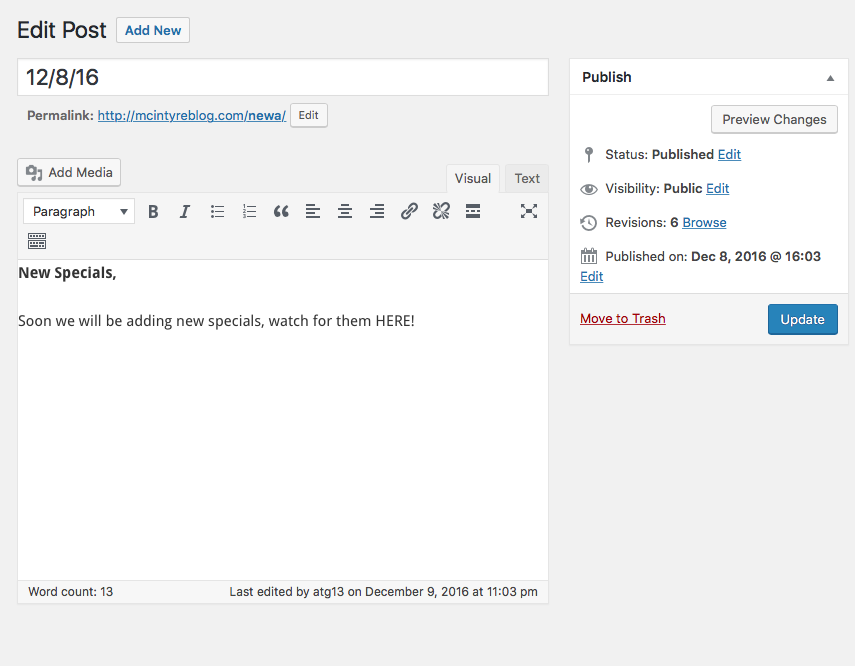
After you make Changes, click Update
To add a photo Click Add media
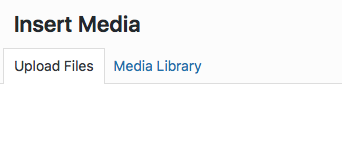
Upload a file
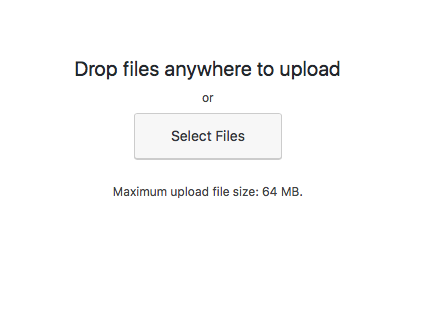
Make sure the photo is checked
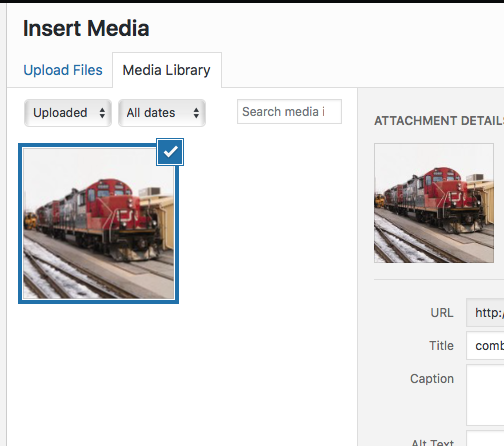
Then Click
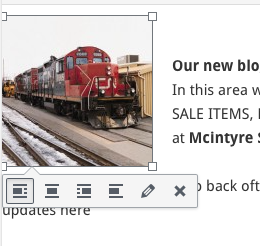
you can make it Flush left, centered or right or no alignment
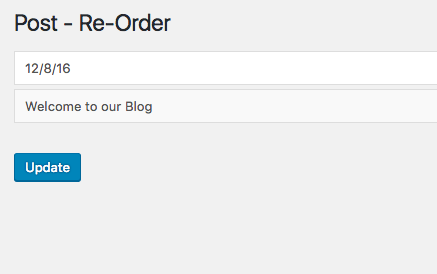
To reorder blog items
click reorder under Posts in the dash board
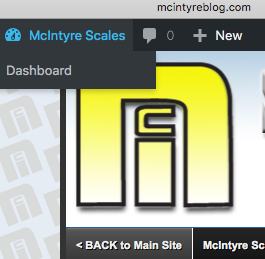
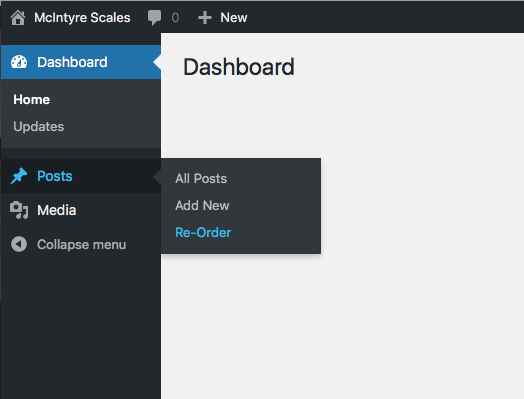
Drag and drop title boxes to reorder and click update